

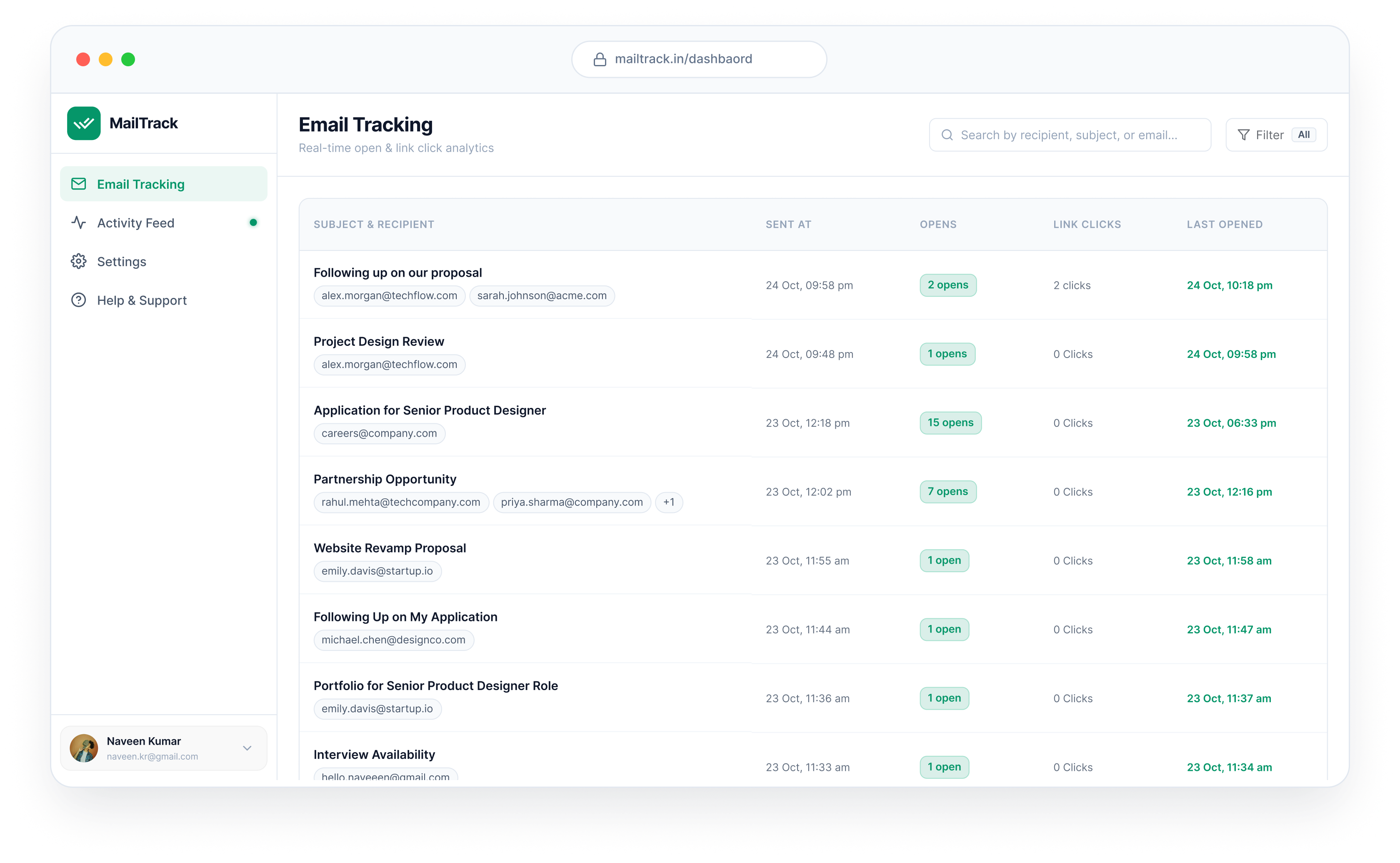

Everything you need to close deals and follow up smarter
A seamless extension designed for founders, salespeople, recruiters, and consultants.
Live open tracking See which recipient opened your email, at what time, and how many times they came back to it.
Unlimited and free Track as many emails as you send. No limits, no payment, no credit card.
Link click tracking Count every click on every link, and see exactly who clicked it.
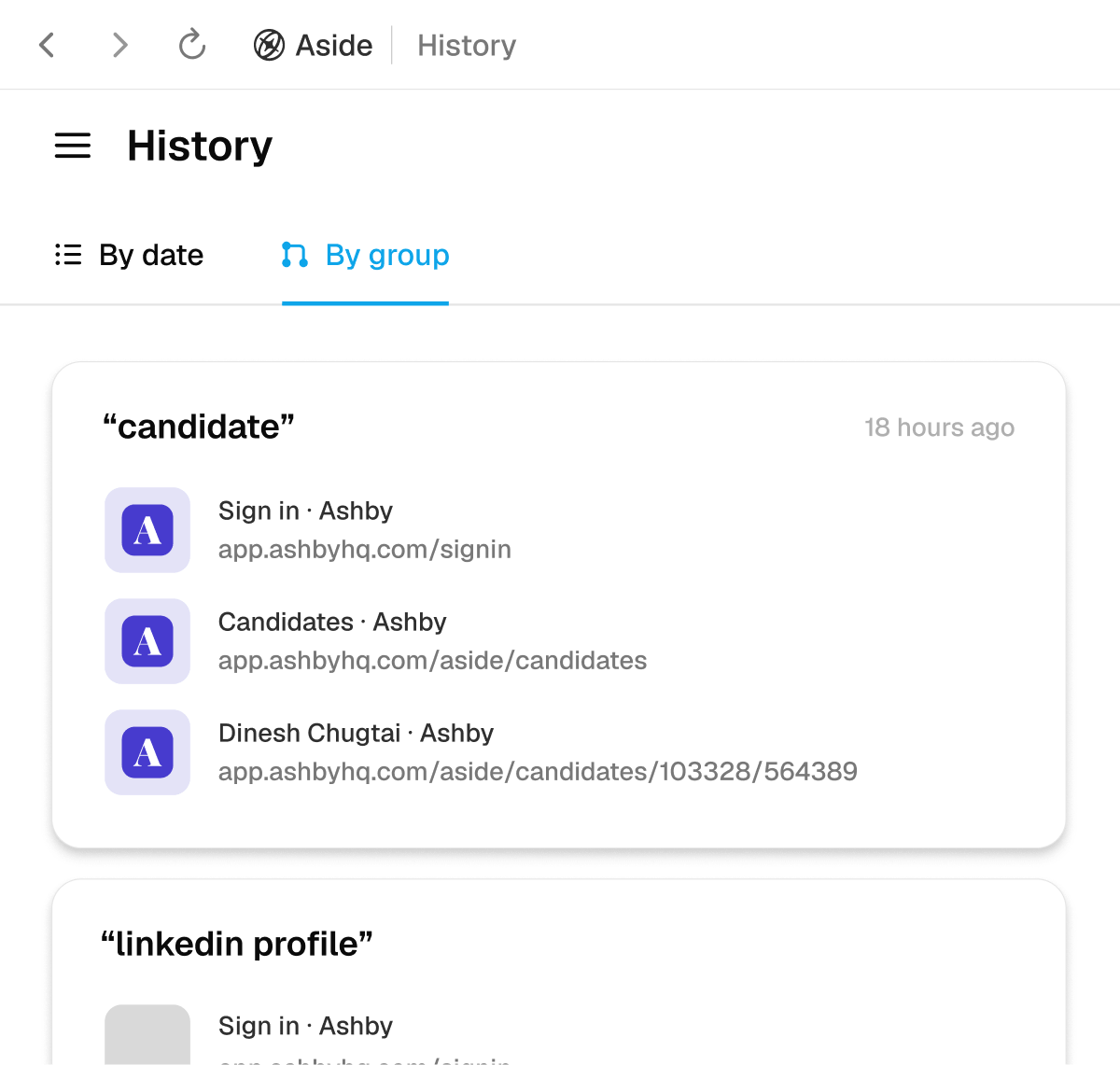
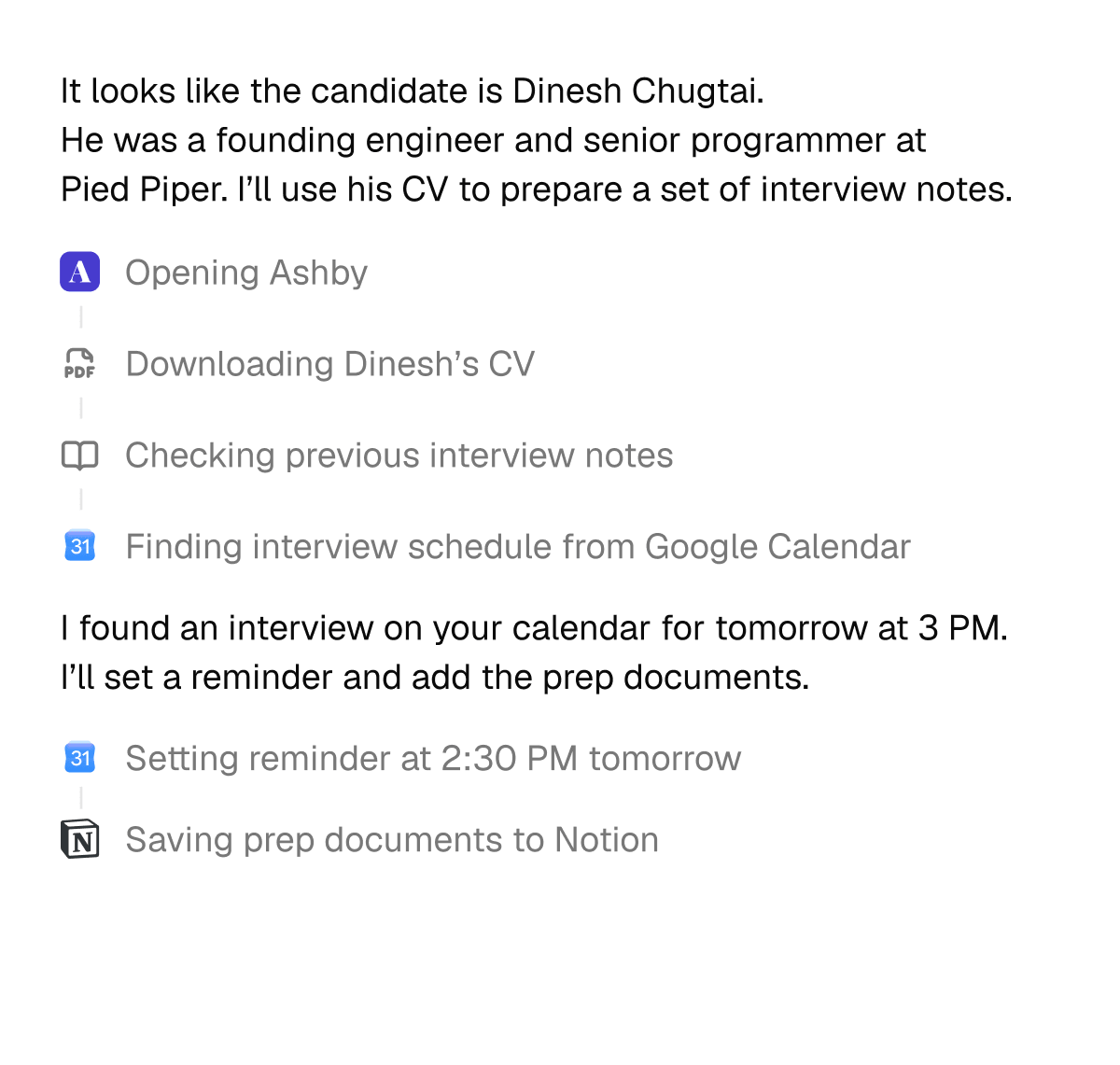
Memory that knows what you’re working on.
Aside knows which sites to use for which work. It turns your browsing history into memory, so you don’t have to repeat context every time. All memory stays local on your device and is never shared with anyone. Learn more
Find the candidate I opened yesterday and prep interview notes
Password that works with AI.
AI agents stop at login screen and ask you to log in every time. Aside lets agents sign in through autofill, without ever exposing your credentials to the AI.
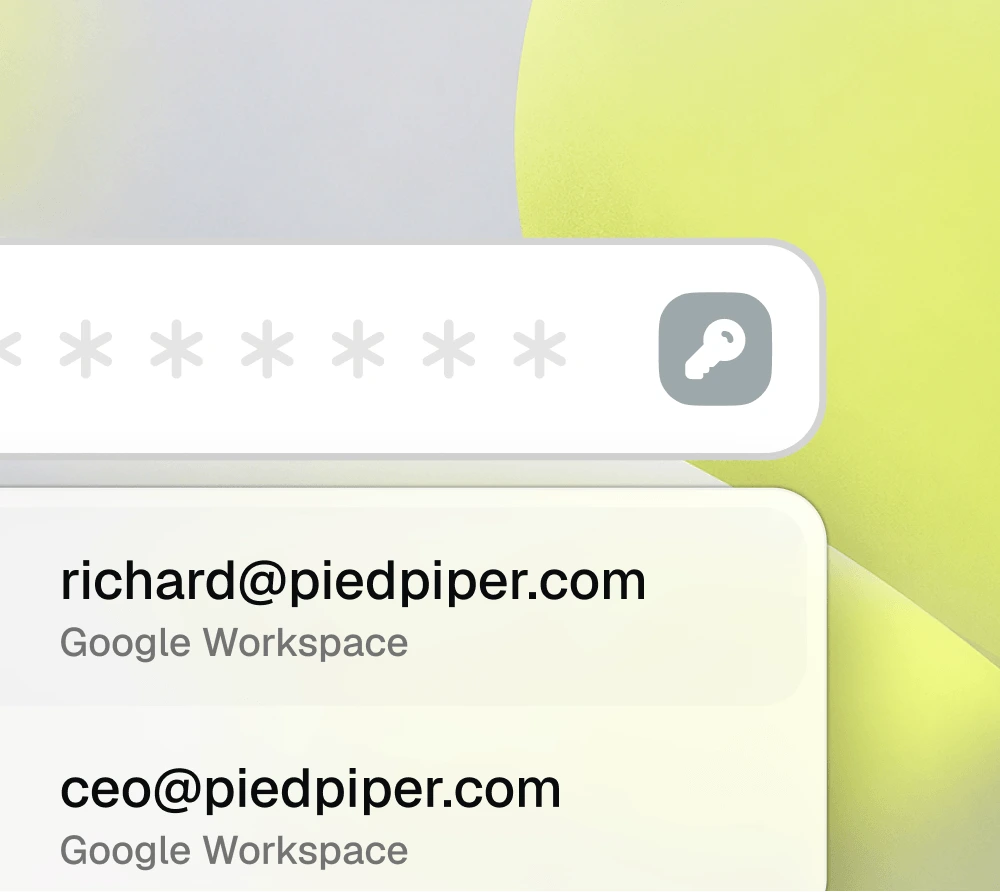
Secrets stay invisible to AI Credentials are autofilled into websites, not exposed to the agent.
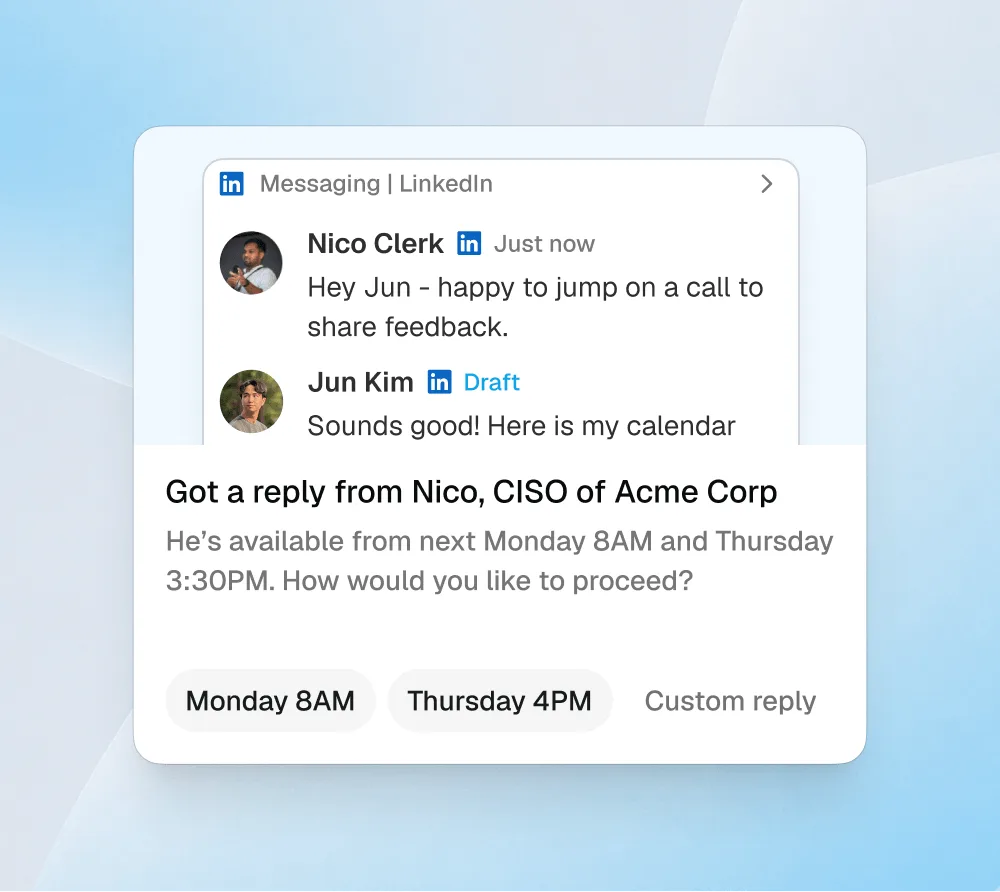
Human approval at the edge Sensitive actions like payments, posts, and messages always wait for your confirmation.
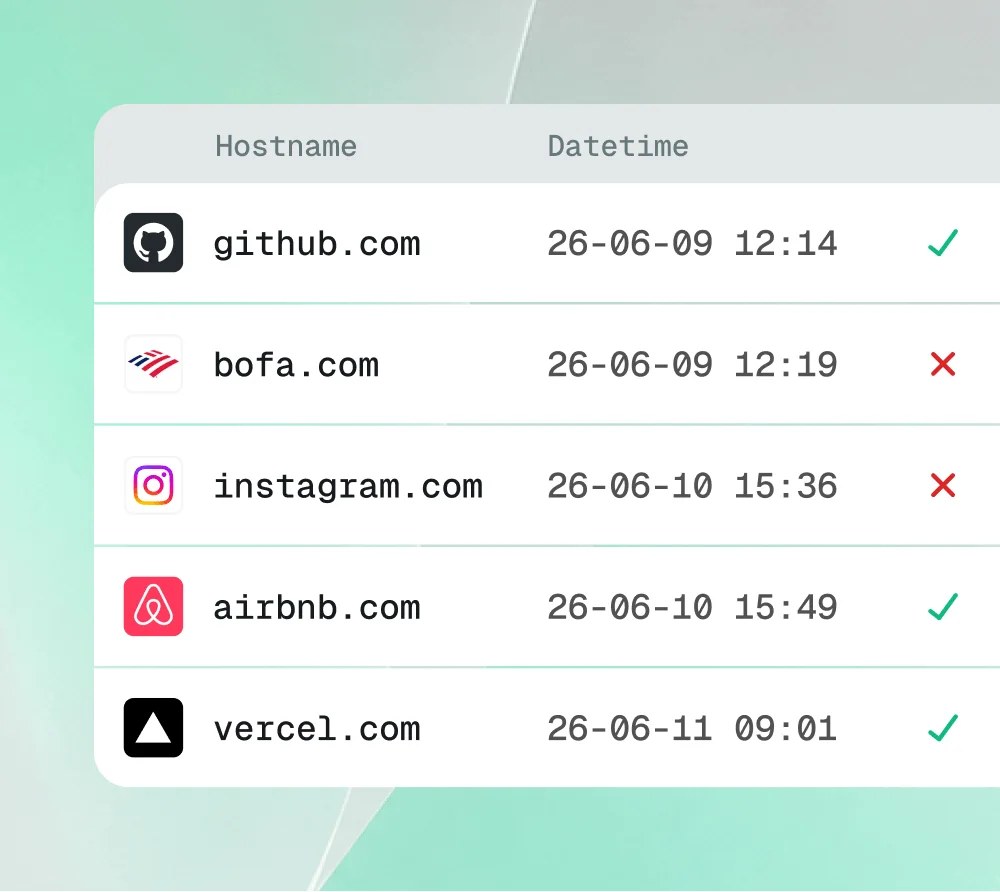
A record of every access Every credential use is logged, so you know exactly what the agent touched.
Frequently Asked Questions
Everything you need to know about Mail Track and how it operates.
No. Mail Track uses a transparent 1×1 pixel web beacon and clean redirect links that render silently in the background. We never append embarrassing "Sent with Mailtrack" promotional badges or footer signatures to your outgoing messages.
Tracking pixels and links are standard email components embedded at send time. When your recipient opens the email on mobile Gmail, Apple Mail, or any smartphone client, the open signal is sent instantly to your Mail Track dashboard and push alerts.
Yes! The Mail Track toggle button sits right next to the Send button in your Gmail compose box. You can enable or disable tracking for any individual email or link with a single click.
Absolutely. Mail Track never reads, stores, or analyzes the body text or attachments of your emails. Only the recipient email address, subject line, and tracking IDs are processed for status verification.
Click "Add to Your Chrome" at the top or bottom of this page. You will be guided to load the unpacked extension into Chrome in developer mode in under 30 seconds.